
Getting a Student Leap Card
To get the Student Leap Card, you need to buy it online. You need to ask for your Leapcard letter at reception, in order to do this. Once you have done the following steps, you can pick it up at one of the drop-off centres (e.g. at the Do Dublin building on O’Connell Street near The Spire between McDonald’s and Carrolls).
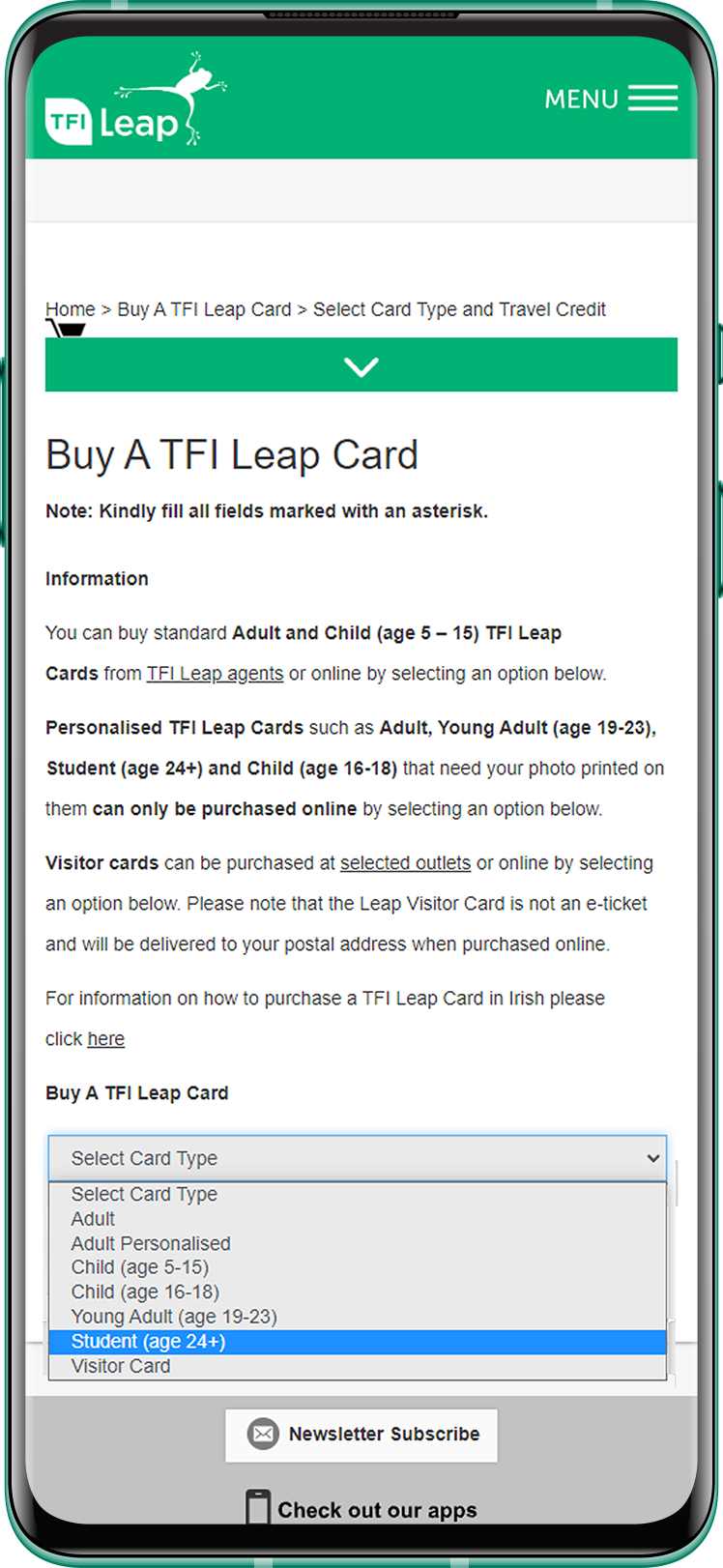
- Go to the following link, where it says “Card Type”: Select “Student”.
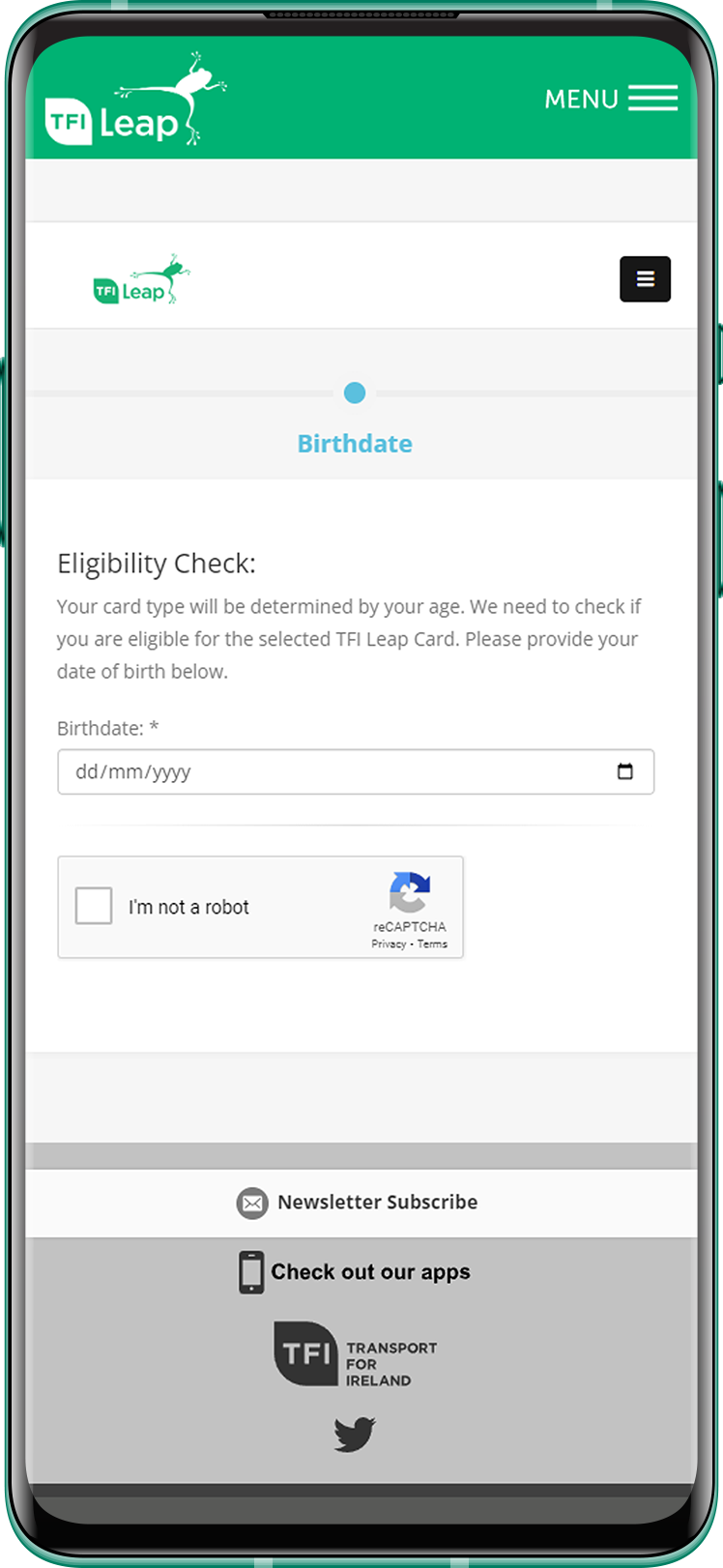
- In the next step, you’ll need to enter your date of birth and accept the terms.

- Where it says “Take a photo”: Upload or take a photo, this photo will appear on your Student Leap Card (It is recommended to follow the rules of the photos).
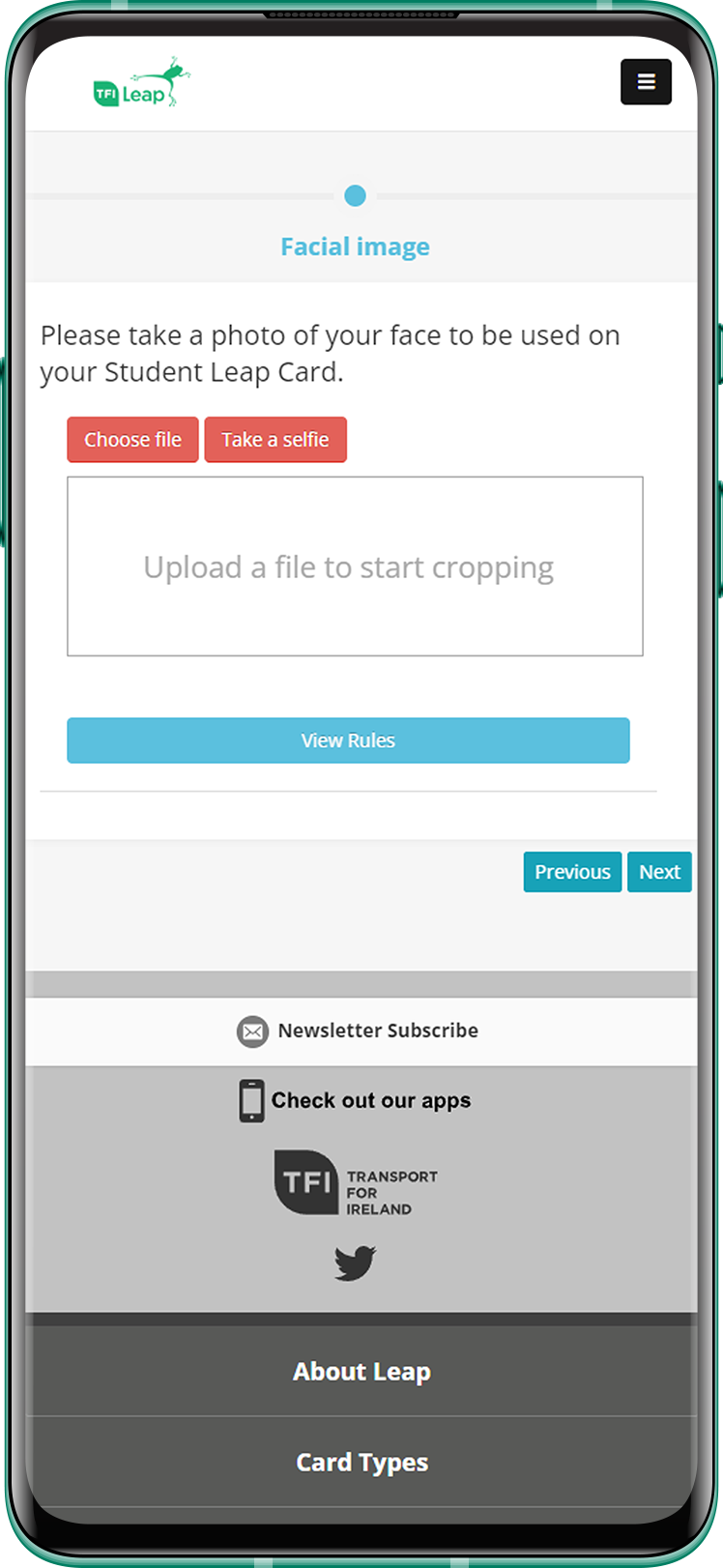
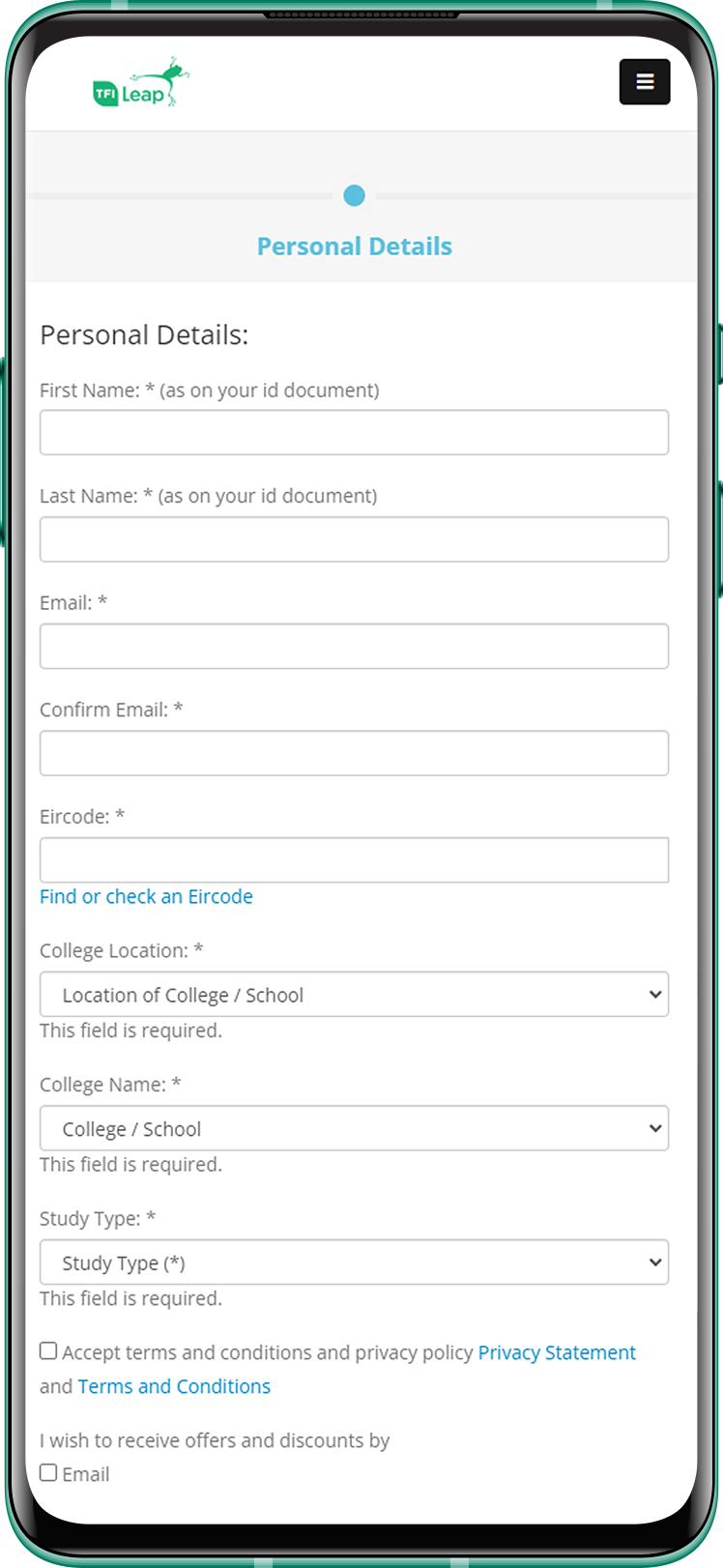
- Once the photo is selected, a button will appear that says “Confirm Photo”, confirm the photo and then press “Next”. The next step will be to fill up your personal details.
- Finally, enter the amount of credit that you believe is convenient to obtain the card (It is recommended that where it says “Top-Up Travel credit” is charged at least 10 euros). You will then receive an email confirming your purchase and it will be reviewed by them.
After 1-2 working days, you will get another email confirmation if your application was approved or not, if yes, you will need to present the letter requested to their offices. If it’s not approved, you will get refund of your Leapcard application approximately in 10-15 working days.
 English (UK)
  Português do Brasil
  Español
  Italiano
  Français
  Türkçe
  Deutsch
  日本語
日本語  繁體中文
繁體中文  Монгол
  Русский
  Polski
  简体中文
简体中文